ChatGPT can now create animated GIFs from prompts or photos
Summarised from 2 outlets · Updated 5 Nov, 17:03 · Archive
ChatGPT can now create animated GIFs using text prompts or uploaded photos, with controls to adjust animation speed and edit individual frames.
OpenAI has launched ChatGPT Images 2.6 with GIF-generation capability now available to all ChatGPT users across web, desktop and mobile apps, including free tier subscribers. Users can create GIFs by entering a text prompt or uploading a photo. The tool provides controls to adjust animation speed and edit individual frames directly within ChatGPT.
Alongside GIF creation, the update introduces persistent reference images, allowing users to upload an image once and reuse it for multiple editing requests without repeated uploads. Created GIFs can be shared via a shareable link, downloaded, or posted directly to X, LinkedIn and Reddit.
OpenAI reports that the faster image generation in Images 2.6 has contributed to increased usage, with users now generating over 4 billion images per week across ChatGPT and its API, up from 3 billion weekly in September. The company is also launching GPT-Image-2.6 Flare and Sunburst variants in its API for faster and higher-quality image generation.
How it is being reported
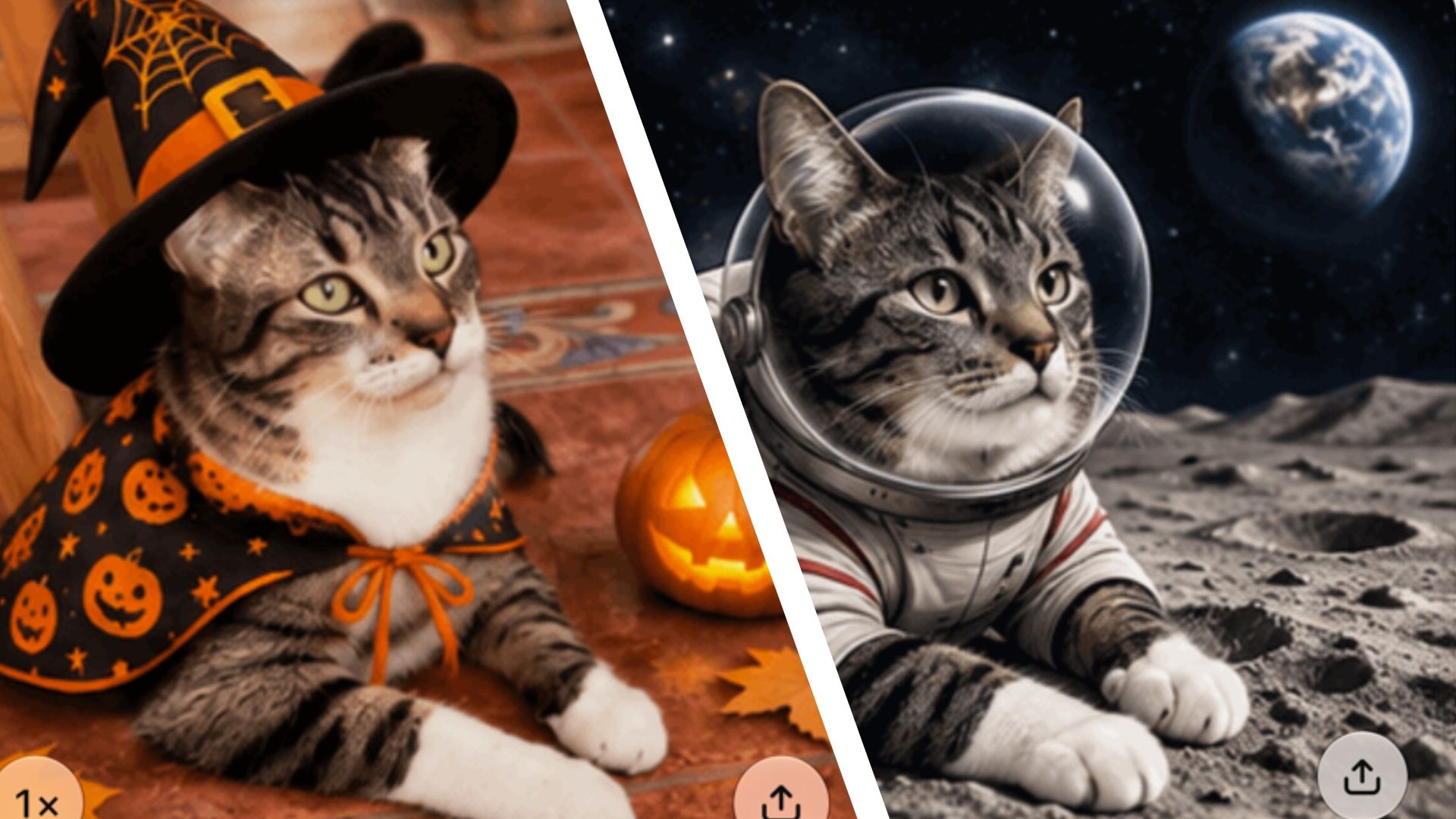
- ChatGPT Images 2.6 is here, and it can turn your photos into animated GIFsChatGPT is finally letting you create animated GIF images, so I tested it with a photo of my cat.TechRadar · 5 Nov, 16:42
- ChatGPT will now make you animated GIFsChatGPT can now create GIFs using a prompt or a photo uploaded to the AI chatbot. The update, which is rolling out alongside OpenAI's new Images 2.6 model, allows you to adjust the GIF's animation speed, edit individual frames, and share it with others. Before this change, ChatGPT couldn't natively generate GIFs in a single […]The Verge · 4 Nov, 18:00
In this story: OpenAI · ChatGPT · X · LinkedIn · Reddit
This summary was written by AI from the headlines and standfirsts above, and states as fact only what at least two outlets report. How we use AI · Report a problem · Corrections log
Comments (0)